
Flexible check-in
Let guests scan a QR code or ask your team to add them manually. No guest app is required for web check-in.

Digital waitlists for busy businesses
Your digital front door: guests check in with a scan, wait wherever they like, and your team runs a clear, live queue from the devices they already use.
No guest app required
Scan and join from the mobile web
Built for the whole visit
Check in, wait, notify, serve, complete
iOS and Android
Native apps supported for mobile teams
One connected platform
WaitlistGenie connects check-in, queue operations, guest communication and useful waiting-time content without forcing guests to stay in a crowded lobby.
Let guests scan a QR code or ask your team to add them manually. No guest app is required for web check-in.
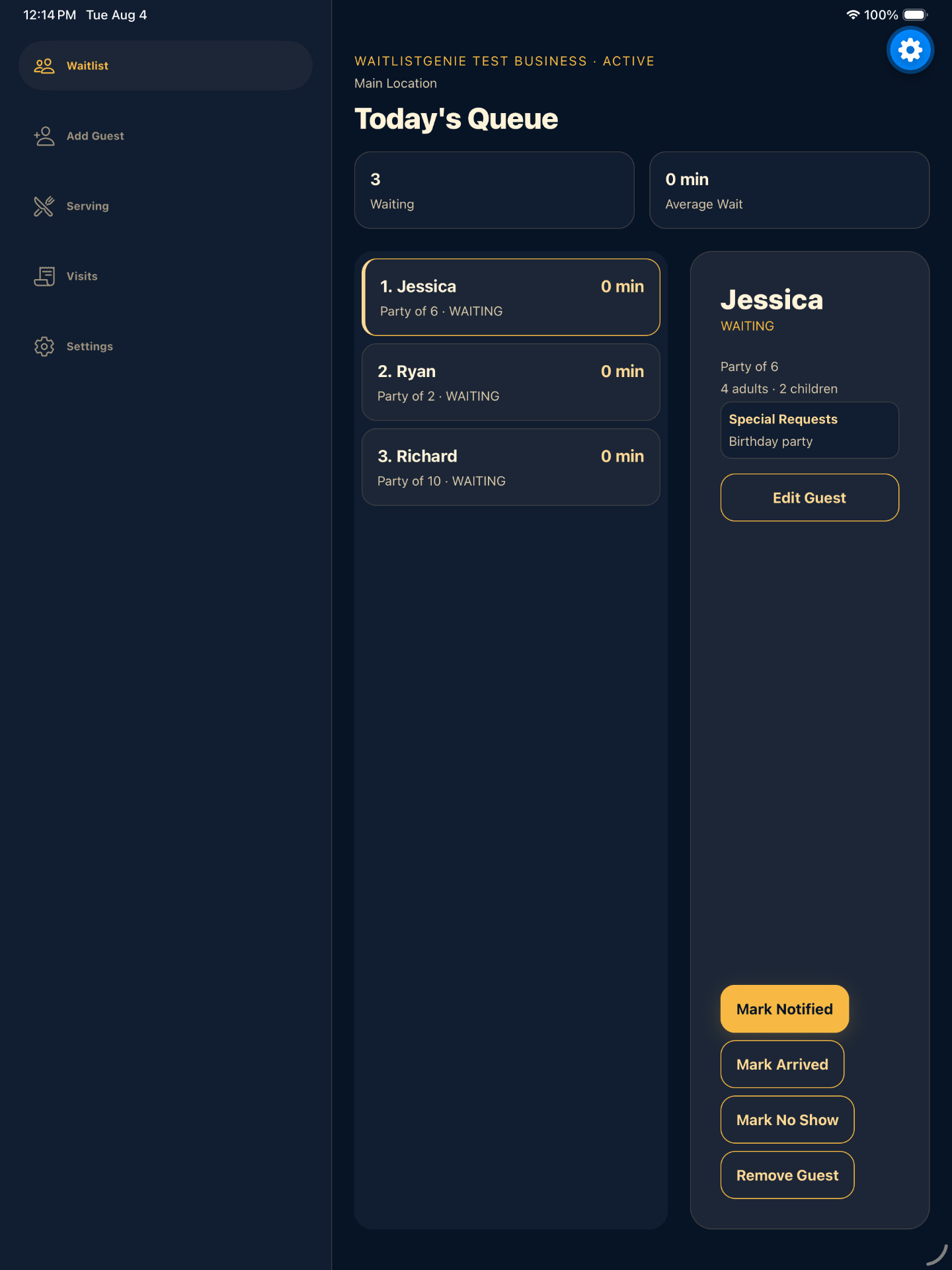
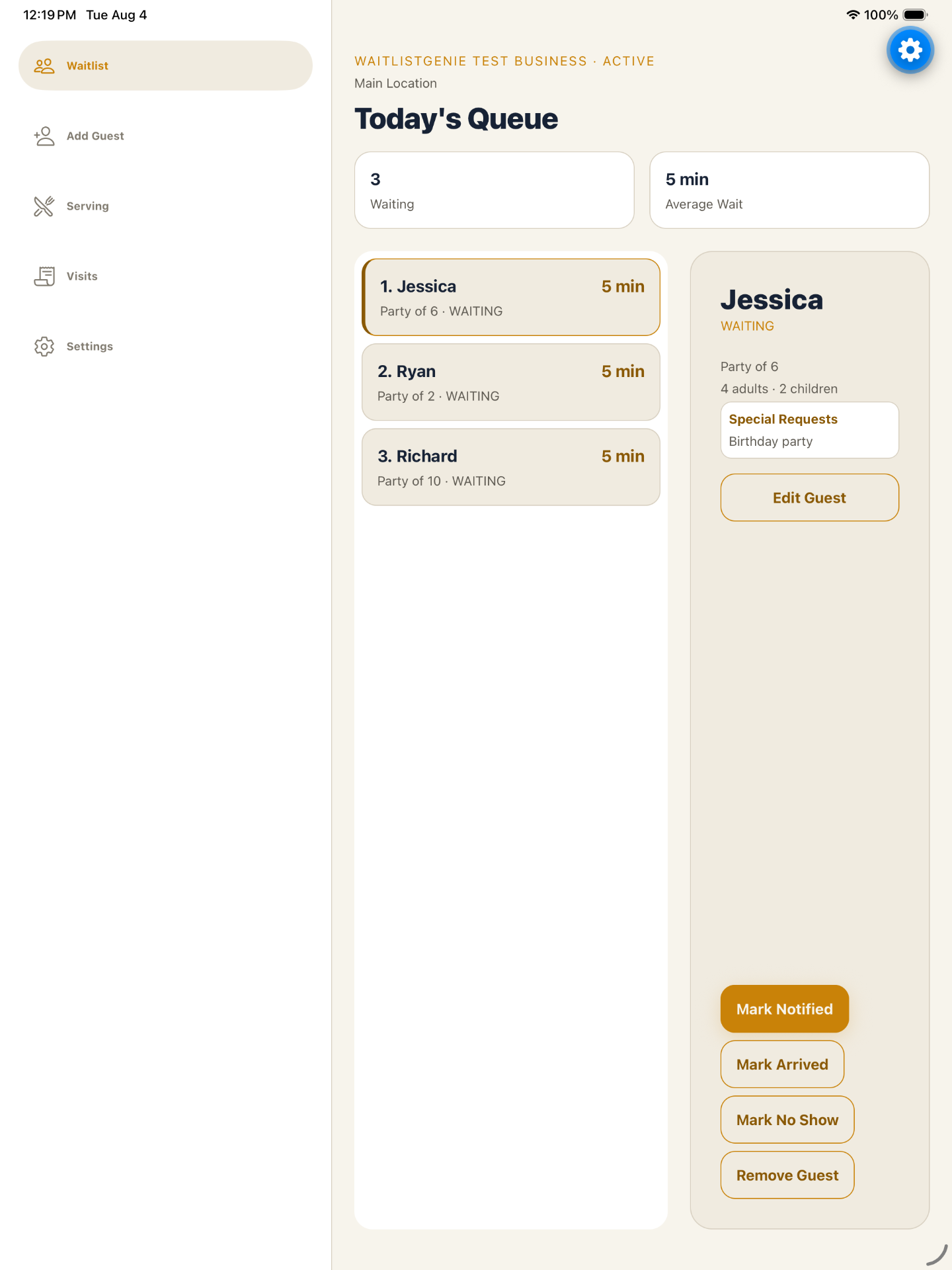
Keep waiting, notified, arrived and in-service visits visible to the team in one operational view.
Send opt-in transactional text updates when a guest is ready, with clear status throughout the visit.
Publish services, menus, specials, reviews, offers and social links for guests to explore while they wait.
Designed around real service flows
Choose the business type that fits your operation. WaitlistGenie adapts the queue and guest experience without pretending every line works the same way.
Service-based queues, up to 15 active stylists, availability controls and fair next-available or requested-stylist lanes.
Capture party details, accessibility needs and special requests before guests reach the host stand.
Coordinate a dedicated pickup queue alongside walk-in guest flow and ready notifications.
Use guided business and location setup for childcare centers while attendance and childcare QR workflows remain separate.
Create a flexible service queue and publish current listings or specials for many other walk-in experiences.
Salon operations
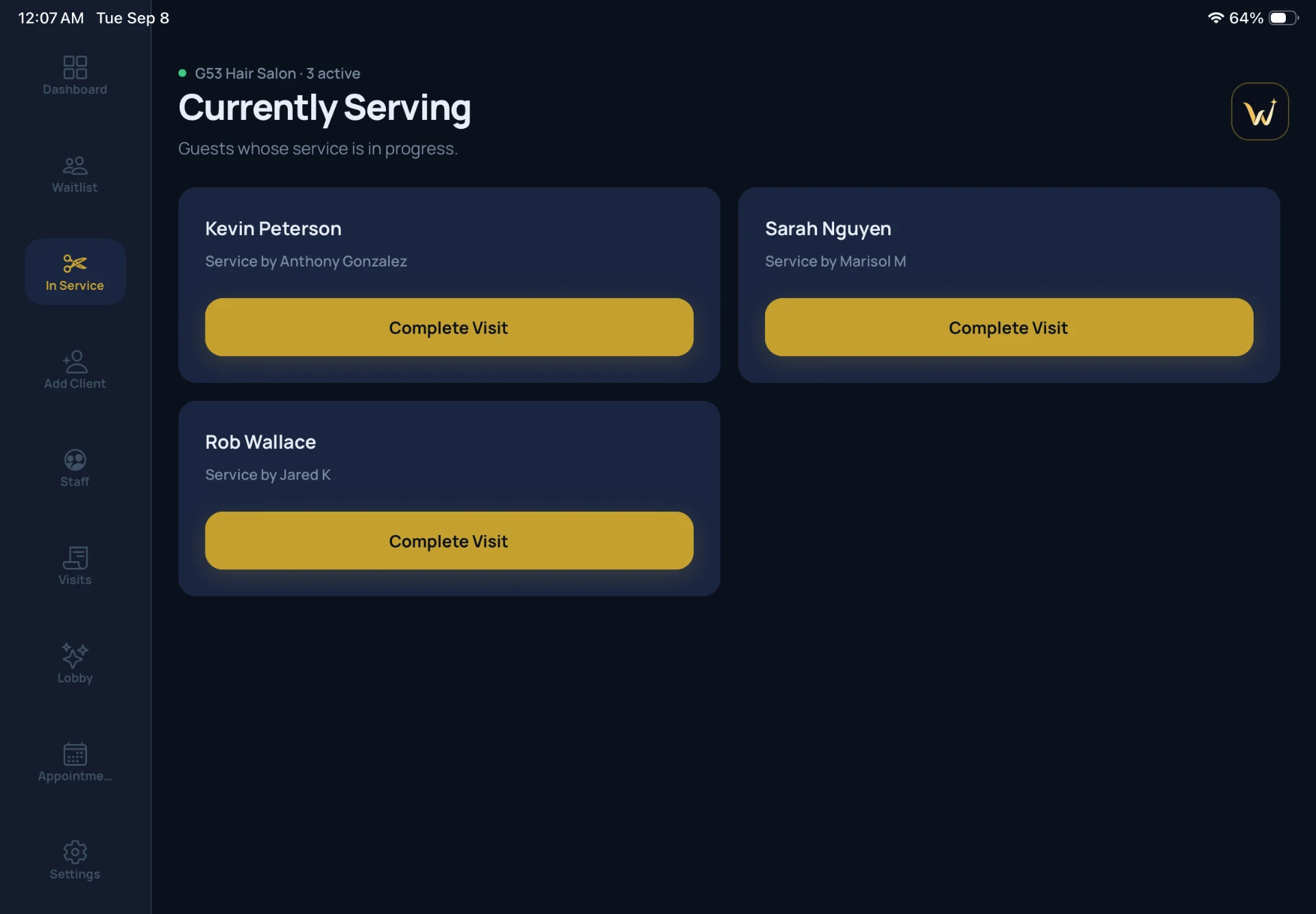
Manage up to 15 active stylists, working availability, services and separate next-available or requested-stylist lanes. Managers can review service activity and export a weekly salon staff performance report as a PDF.
Restaurant & fast-casual
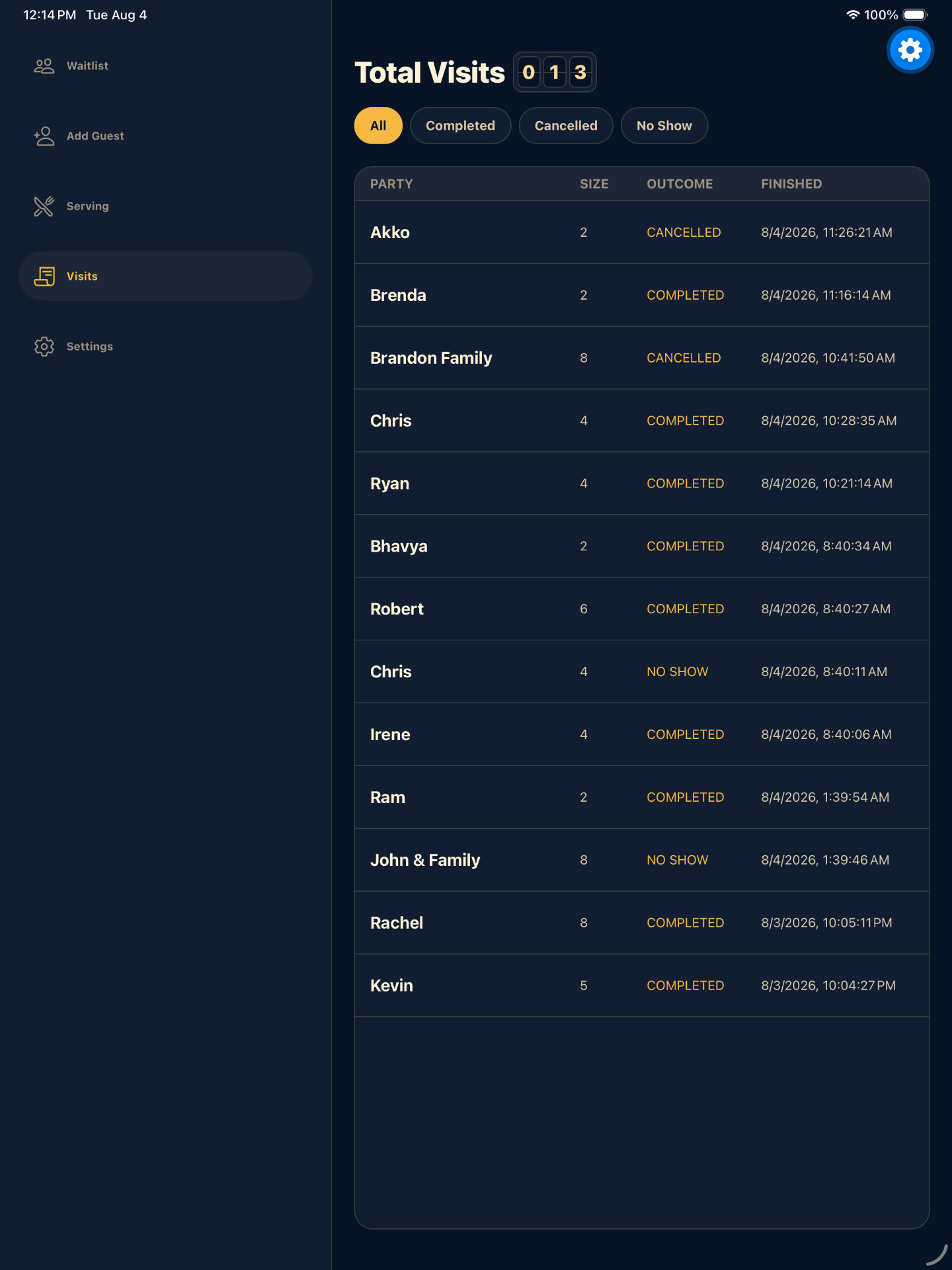
Collect useful party details before the host conversation, run the live waitlist, and keep fast-casual pickup orders in their own operational flow.
Guest experience
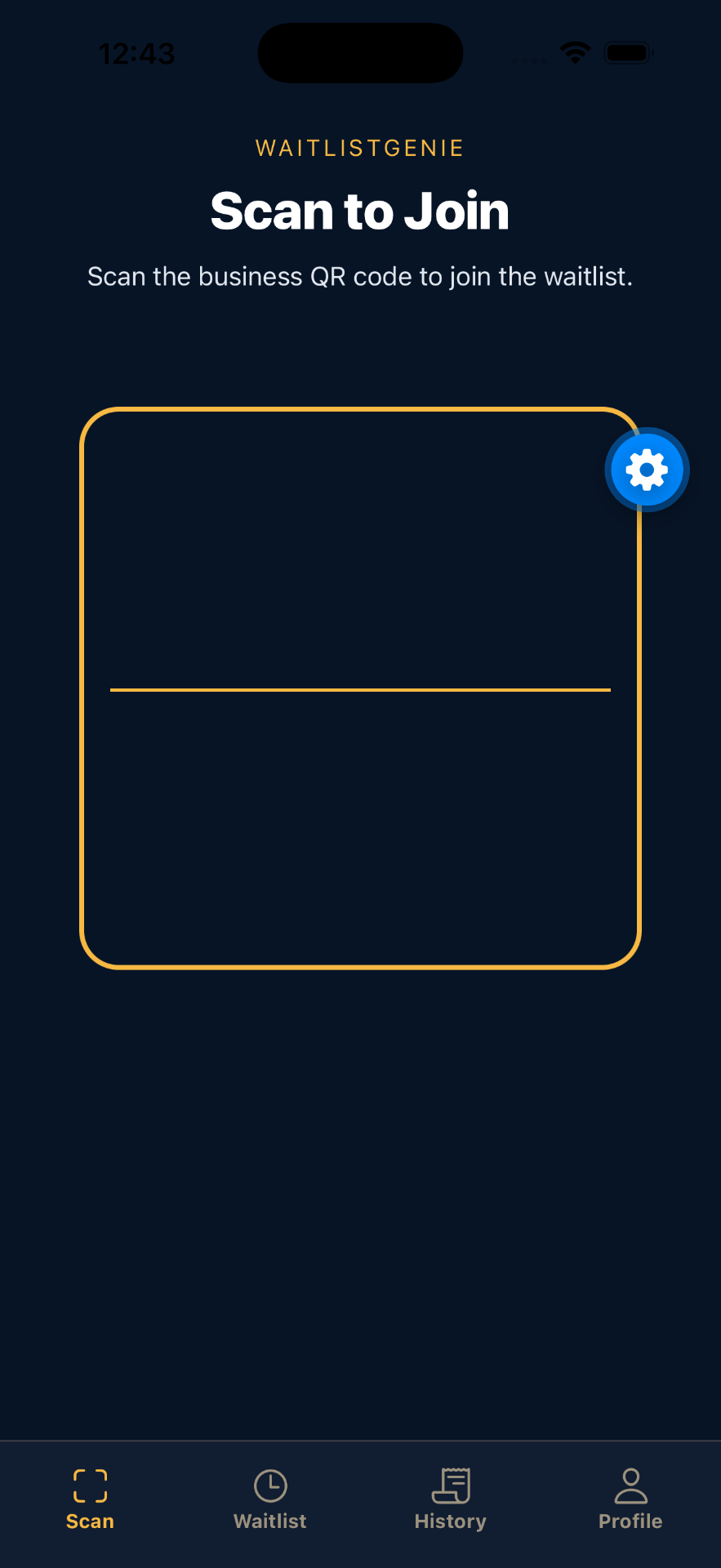
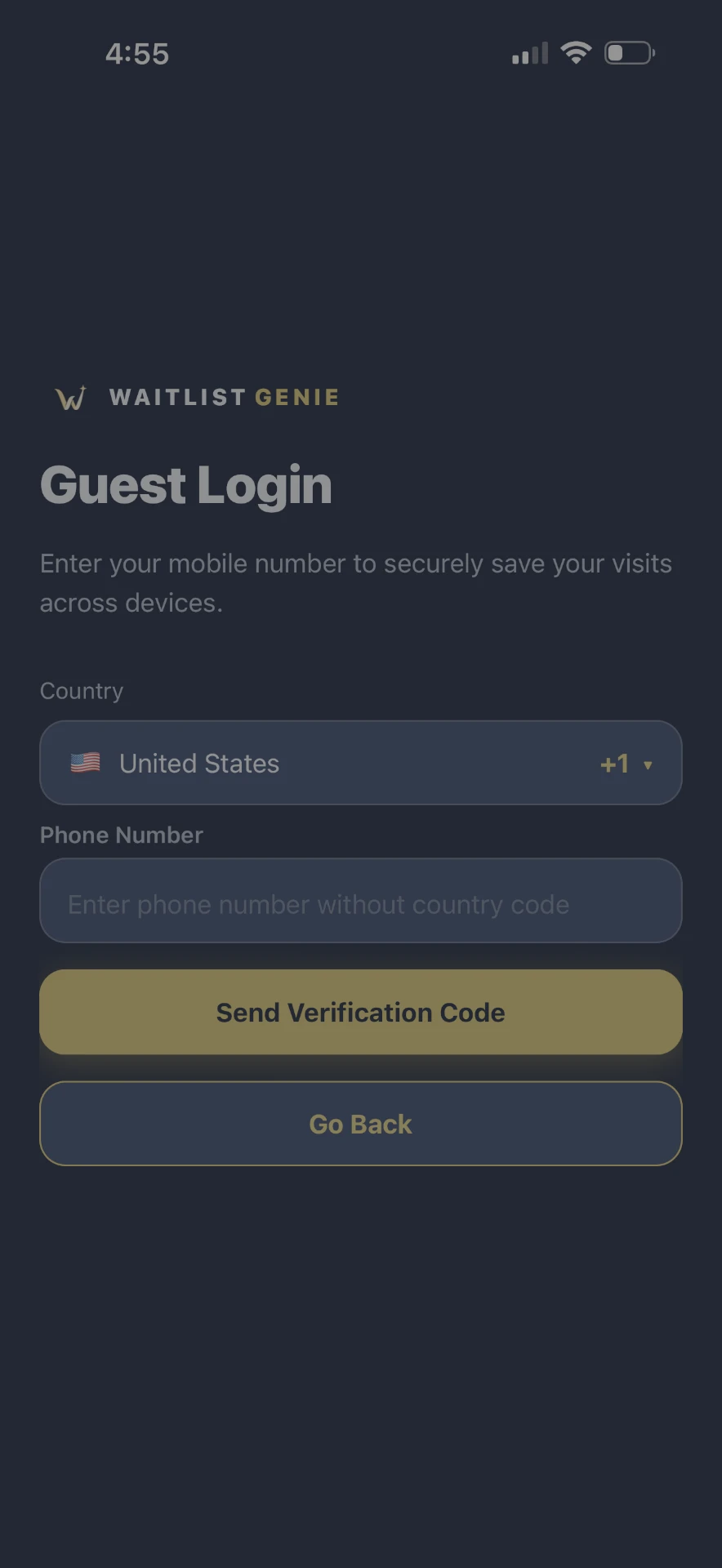
Guests can scan to join from the web, save profile and party defaults when signed in, follow their status and explore published Digital Lobby content while they wait.
No download required.
Saved party and language defaults.
Follow queue status away from the door.
Published services, offers and links.
Configure a GPS proximity boundary from 50 to 1,000 metres to deter remote check-ins. Location accuracy can vary, so staff can use temporary, single-use backup codes when appropriate.
Expiring QR scan tickets, scoped access, server-side validation and auditable administrative workflows help keep each action bounded to the right business and location.
System, light and dark modes sit alongside eight native manager palettes, giving teams a readable workspace throughout the day.
Mobile operations
Production build configuration supports both platforms for mobile teams, including phone and tablet layouts, deep links, camera scanning, location checks and operational notifications.
Download Waitlist Genie for iPhone and iPad on the App Store, or for Android on Google Play.
Guided onboarding
WaitlistGenie supports a structured, admin-assisted setup across business details, ownership, locations, subscription, capacity and final review.
01
Choose the business type, owner and location details.
02
Set queue capacity, location rules and the guest-facing content you want to publish.
03
Confirm the setup and subscription with an assisted final review.
Technical support
Contact our team for technical help. WaitlistGenie also supports secure issue and request management for authorized teams.
Current pricing
Choose a per-location monthly plan or talk with us about a multi-site rollout. Final plan details are confirmed during onboarding.
$99
per location / month
A current monthly plan for businesses getting their digital queue in motion.
Talk with usPopular
$149
per location / month
A current monthly plan for teams ready to expand their WaitlistGenie setup.
Talk with usCustom
quote
Talk with us about a coordinated rollout across multiple business locations.
Request a quotePrices shown in USD. Plan features and onboarding terms are confirmed before purchase; no unverified trial, usage-limit or support-tier commitments are advertised here.
A future native workflow for handling scheduled arrivals alongside walk-ins.
A future built-in ordering experience for guests already in the queue.
Tell us how your queue works today, and we’ll help map the right WaitlistGenie setup.
Start a conversation